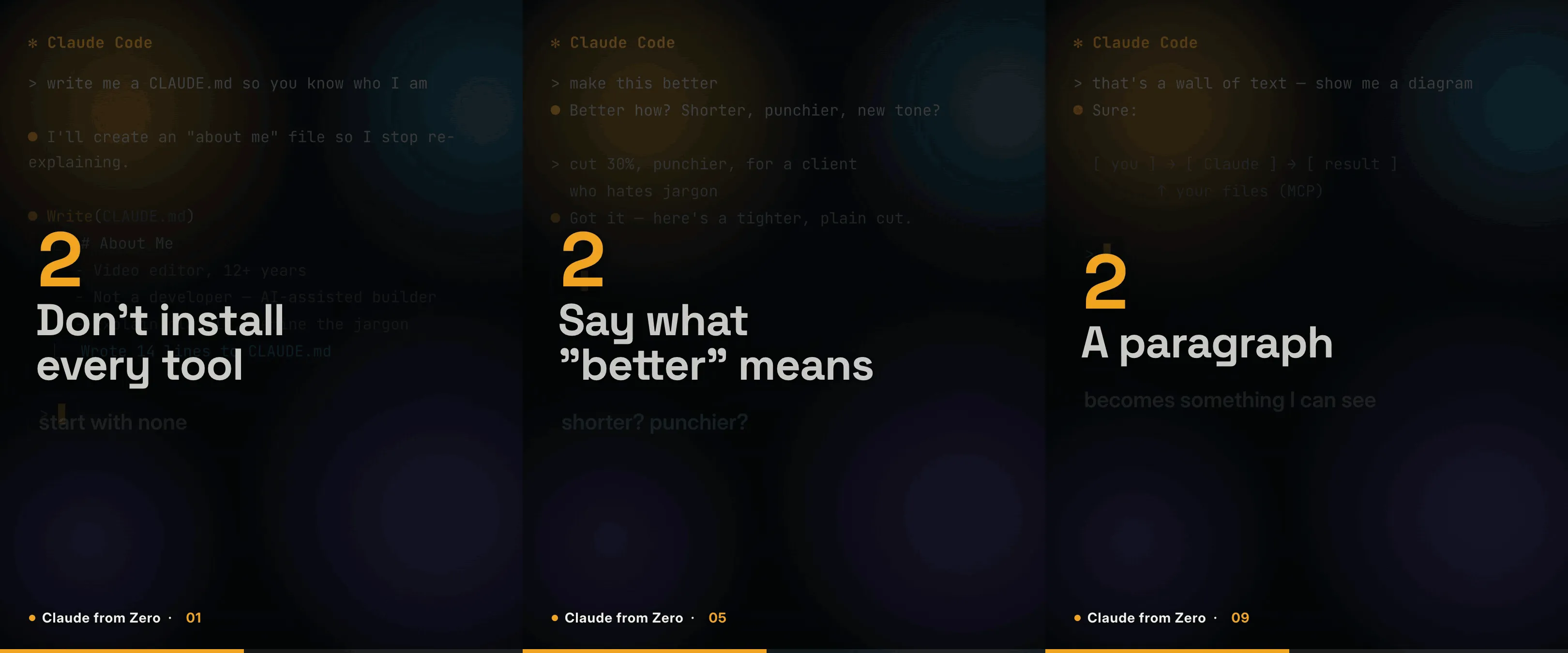
I am a video editor, not a developer. For the last year I have been using Claude to build real things anyway, and the question I get most is some version of "okay, but how do you actually use it?"
So I answered it. "Claude from Zero" is a series of 10-second looping GIFs, each one a single tip about using Claude, framed the way I actually learned it: as a visual person who never wrote code for a living. This post is the whole series in one place, plus a look at how each GIF is made, because the way they are built is its own generative-media story.
Why GIFs, and why this framing
Every tip in here is a commodity. You can find "use context" advice anywhere. The part that is mine is the angle: what these tools look like from the chair of someone who spent twelve years cutting video, not shipping software. That framing is the whole point, and it is in every episode.
The format is deliberate too. Each one is a true looping GIF: it autoplays, it repeats forever, and it is silent. That matters more than it sounds. A loop means you catch on the second pass what you missed on the first, so I can keep each tip to three fast beats and trust the repeat to do the teaching. No sound, no play button, nothing to click. It just runs.

Here is what one looks like:
The eleven tips
In the order they go out:
- Write Claude an "about me" file. A short file describing who you are and what you do stops it re-explaining you every single session. This is the first thing I set up now.
- Make it explain things like you are five, then quiz you. Say "explain it like I'm five," literally. Then flip it and say "quiz me on it." Getting tested is what makes it stick.
- Three habits fix most bad results. Give it context about who you are and what you want. Ask for one thing at a time, not ten. Tell it when it is wrong, because it corrects fast.
- Start a fresh chat. Long threads drift and the answers quietly get worse. Treat context like a budget, not a memory. When it starts wandering, reset and start clean. This one took me the longest to learn.
- Stop saying "make it better." Vague in, vague out. Say what better actually means: shorter, punchier, written for a client who hates jargon. Directing AI is like directing anyone on set. The more specific you are, the better it performs.
- Three words that fix almost any bad answer: "be more specific." Do not rewrite the whole prompt, just push back. Or flip it and tell it to ask you questions first. Letting it interview me before it answers is the best trick I have found.
- Give it a role, not just a task. "Act like a picky client." "Act like my editor." Same question, sharper answer, because I cast the part first.
- Claude has three models, and most people only use one. Haiku for the fast, light stuff. Sonnet as the everyday driver. Opus for the deep, hard thinking. Matching the model to the job is a free upgrade.

- Do not read the wall of text. When Claude hands me three dense paragraphs, I ask for the picture: "show me this as a diagram." I am a visual person, and this is how I actually get it.
- Do not learn a tool front to back. Ask for the 20% that does 80% of the work, one real example instead of the theory, and what you will get wrong first. Three prompts and I am useful at something new in an afternoon.
- "Isn't using AI just cheating?" I get this every week. No. It does the grunt work, I do the judgment: what is good, what ships, what is wrong. The skill did not disappear, it moved up a level.
That ninth one, asking for a picture instead of a paragraph, is the most "me" tip in the set:
There is a twelfth episode coming to close the series out, about the things I have actually built this year without really being able to code. More on that soon.
How each one is built
This is the part I am proudest of, and it is why I made a series out of it instead of just writing a list.
None of these are edited in a video app. Each GIF is built as code. The whole frame, the headline, the numbered beats, the little Claude Code screen in the background, is a web page with an animation timeline driving it, rendered out to video and then converted to a GIF. Swap three lines of text and a bit of background content and I have the next episode, on the same template, looking identical to the last. That consistency is what makes eleven separate clips read as one series.
The design came out of a hard technical limit, which is my favorite kind of design. LinkedIn freezes any GIF over 5MB to a single frame, so the file size is a wall you cannot cross. A moving, full-frame video background changes every pixel every frame, and a GIF simply cannot compress that under 5MB. So I flipped it: the background is a static, designed screen, and the text carries all the motion. Because only the text regions change frame to frame, the rest compresses down to almost nothing, and I get a crisp, full-resolution loop that comes in around three megabytes.
That static background is also why it is a designed Claude Code screen and not a real recording of my own sessions. Real screen recordings were inconsistent, leaked private things like emails and file paths, and never held together as a series. A built screen is privacy-safe, looks the same in every episode, and can be tuned to match each tip: the "about me" episode shows a CLAUDE.md file being written, the model-picker episode shows the model picker, and so on. The color, the amber accents, and the type are all pulled from the same brand system as the rest of my work, so the series sits inside everything else instead of next to it.
Follow along
A new episode goes out every weekday on LinkedIn. If you are newer to Claude and want the fast, visual version of getting good at it, that is the place to catch them. And if you want something like this built for your own product or idea, reach out.