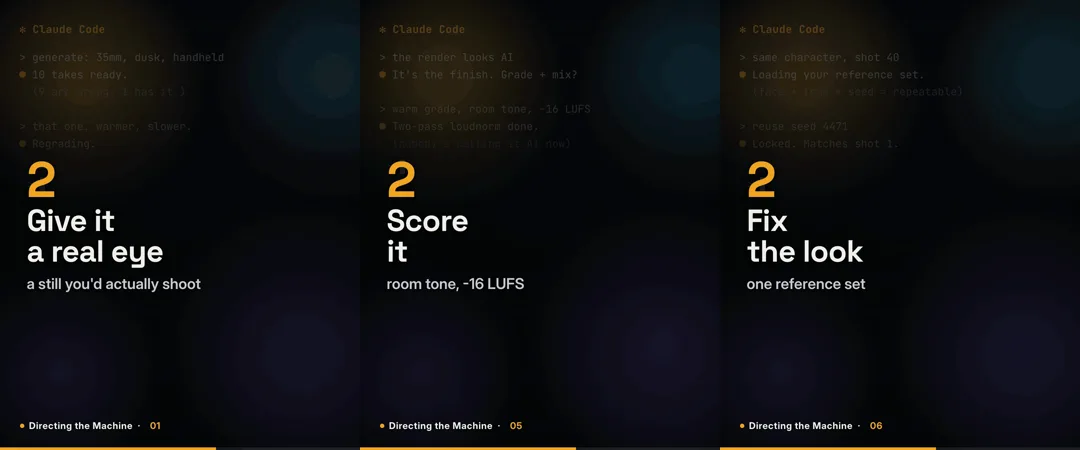
A few weeks ago I put out Claude from Zero, a run of looping GIFs about how I actually use Claude as a video editor instead of a developer. Those were the beginner tips, the fast on-ramp.
This is where the series went next. "Directing the Machine" is the same format, seven 10-second looping GIFs, but the subject moved up a level: not how to talk to an AI, but how to direct one. Specifically, how someone who spent twelve years in an edit bay gets generative tools to make media that doesn't look generated.
The one idea underneath all seven
Most AI video looks fake, and it is almost never the model's fault. The people getting good stuff out of these tools are directing them, not typing a prompt and hoping. That is the whole series in a sentence, and it happens to be the exact job I have done for twelve years. The footage was never the film. The cut is. The camera just changed.
The seven episodes
In the order they went out:
- Most AI video looks fake, and it is almost never the model's fault. The people getting good results are directing it: giving it a lens, a mood, a reference they actually like, then throwing out the nine bad takes and keeping the good one. Same job I have always done, new camera.

- The generate button did not replace the editor. It replaced the shoot. Ten takes of a hero shot used to be a location, a crew, and a day. Now it is a minute, and honestly, good. But the timeline is still yours. Pace it, score it, put it in an order that means something. Taste does not scale, and that is the whole job now.
- Vague prompt, generic result. Every time. The model can only match the taste you hand it. Adjectives get you a stock look. A real reference gets you yours. Give it a still you love, a grade, a specific lens and mood. Show it what you mean instead of describing it. A mood board did the talking on every shoot I ran.
- Not an order. A direction. Treating AI like a vending machine is why the results feel mid. You drop in a prompt and expect a finished thing to fall out. That is not how good work happens with a crew, and the model is a crew. Brief it like a shooter, then react to what comes back and redirect. The magic is in the notes between takes, not the first setup.

- The finish is the tell. You can spot AI video in a second, and it is almost always the finish that gives it away. The model gets you 90% there and skips the last 10%, and that 10% is the whole craft: the grade, the sound, the pacing, the cut points. Warm the grade, crush the blacks, lay in room tone, run a two-pass loudnorm to −16 LUFS, trim the dead frames. That pass is what makes people stop calling it AI.
- Consistency is a system, not a sentence. It is the thing AI is worst at and the thing clients care about most. You cannot prompt your way to the same face and the same look twice. Lock it down: a trained character for the face, a fixed reference set for the look, saved seeds so a result is repeatable. Build the rig once, reuse it everywhere. A brand has to look like itself in shot 40 the way it did in shot 1.
- Fake is a choice, and so is real. Every tool I touch can fabricate a person, a place, a moment that never happened. Whether that is a problem depends entirely on what you do with it. I use these tools to make things that are honest about being made, and I say so. The same craft that makes convincing media is what makes you good at spotting it. Real is a choice too. I keep choosing it.
That fifth one, about the finish, is the most "me" idea in the set. It is the twelve years of edit-bay work compressed into ten seconds:
How they are built (same trick as before)
Like the first series, none of these are cut in a video app. Each GIF is built as code: the whole frame, the headline, the numbered beats, and the little Claude Code screen behind them are a web page with an animation timeline driving it, rendered to video and converted to a GIF. Swap the text and the next episode comes out identical to the last, which is what makes seven separate clips read as one series.
The design came out of a hard limit. LinkedIn freezes any GIF over 5MB to a single frame, so file size is a wall you cannot cross. A moving, full-frame background changes every pixel every frame and will never compress under that. So the background is a static, designed screen and the text carries all the motion. Only the text regions change frame to frame, so everything else compresses to almost nothing, and each loop lands around two megabytes at full resolution. I wrote up that pipeline in more detail in the Claude from Zero post if you want the how.
Follow along
The series ran weekday mornings on LinkedIn. If directing these tools instead of fighting them is the part you care about, that is where I keep working it out in public. And if you want media like this made for your own product or brand, made by someone who treats the finish as the point, reach out.